mn
mn  ru
ru 
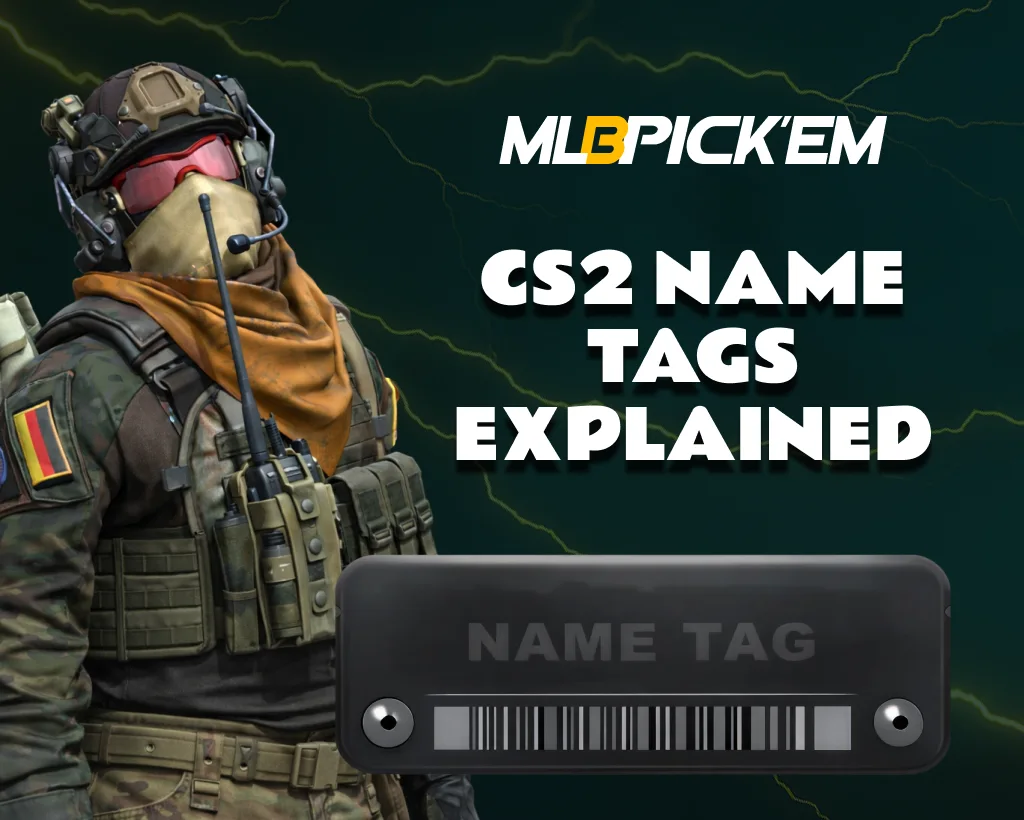
CS2 Name Tags Explained
Have you ever noticed, while watching your teammates after your death, that their weapons have unusual names? Instead of the usual “AK-47 | Redline” in the killcam, something like “One Tap Machine” or “Refund Policy” appears. This is not a bug and you are not imagining it, it’s all about the CS2 name tag.
In this article for MelBet Pick’em, we’ll tell you what this name tag CS2 is, how to get it, and how to use it. You’ll also learn how to remove the tag and where and for how much to quickly purchase it!
What is a Name Tag in CS2?
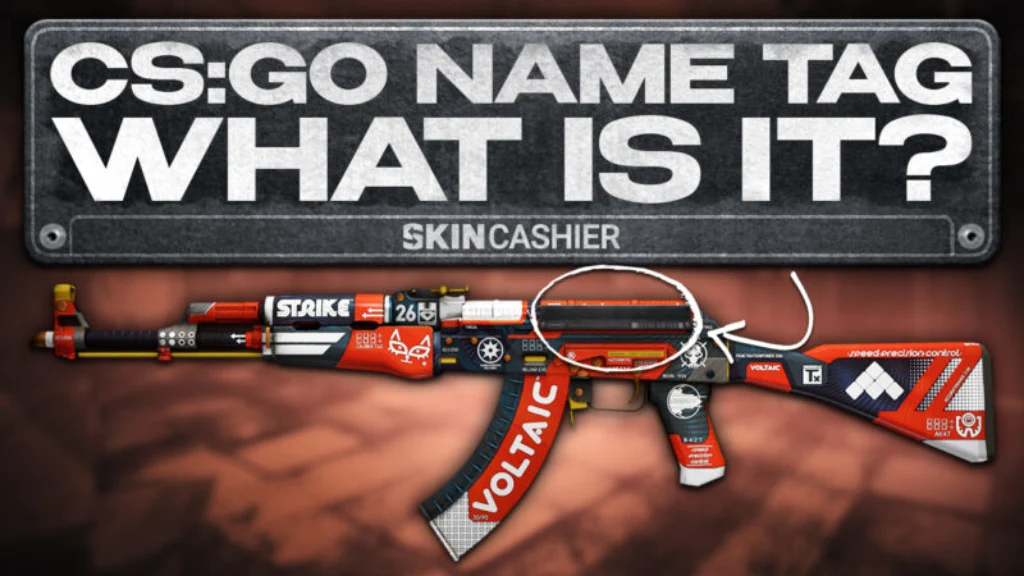
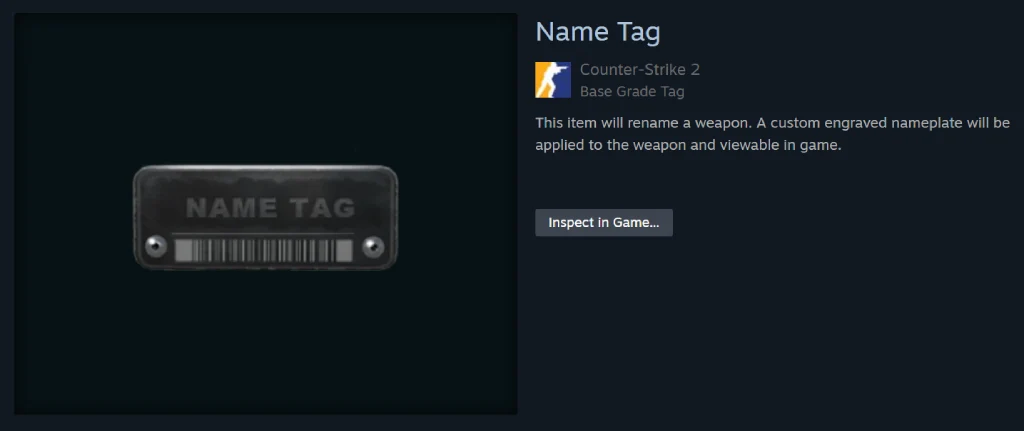
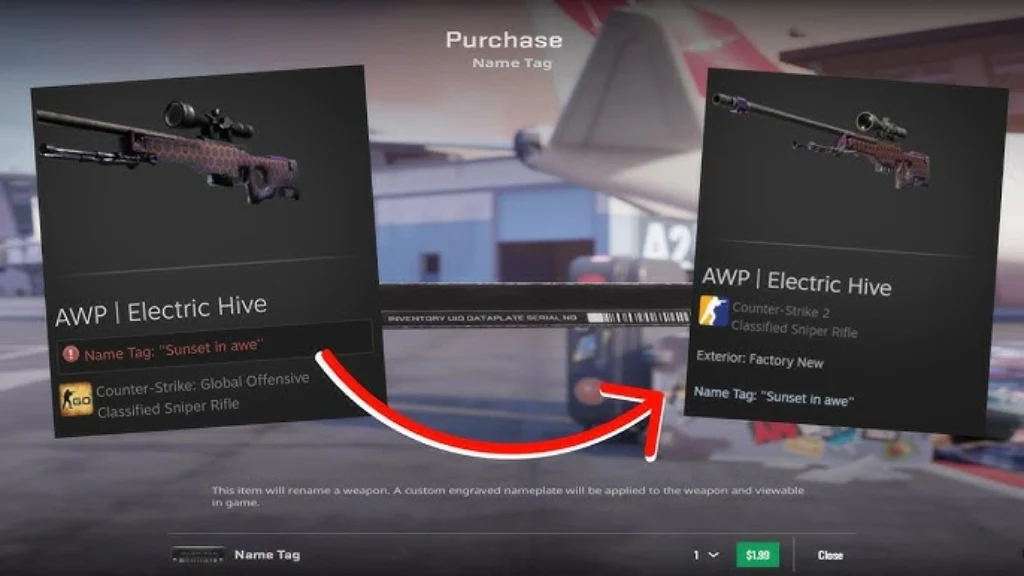
Name Tag CS2 is a one-time use in-game item in the game inventory. Its main purpose, and essentially its only use, is to rename any weapon or item in the game.
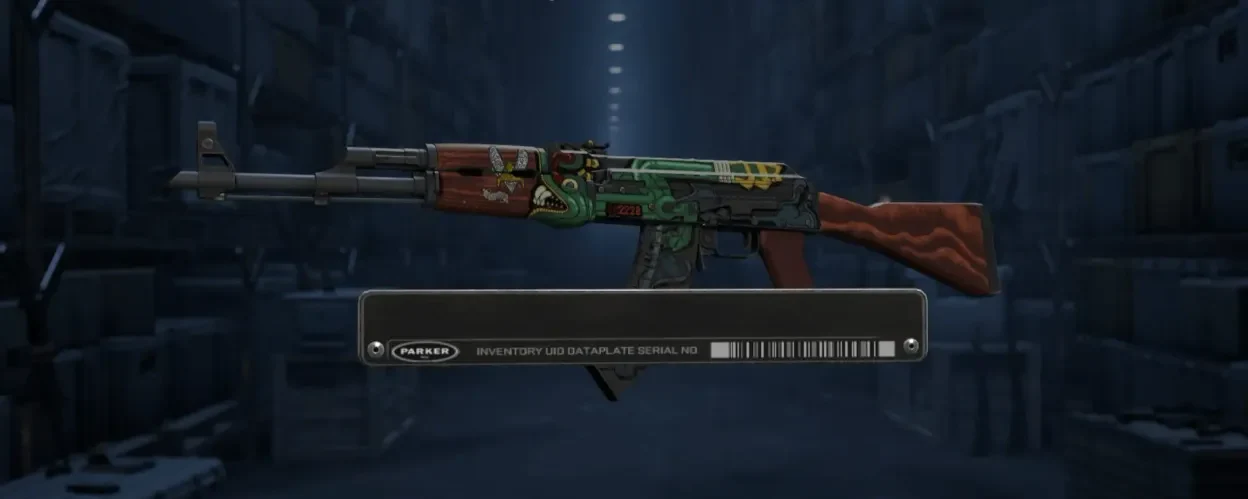
Once applied, this tag is permanently assigned to the selected item. The new name becomes visible both in your inventory and in matches (in killcam or when viewing weapons). Essentially, a Name Tag in CS2 is a way to personalize your inventory. Using it, you can make your skin unique and highlight your style in-game.
What Items Can You Rename With a Name Tag?
When it comes to the options for using a CS2 name tag, there are countless. Valve didn’t impose too many restrictions on players and allowed them to rename almost everything they could use in matches:
- Weapon skins (any weapon skins in your inventory).
- Default weapons (standard weapons without skins).
- Knives (knives, including rare and collectible ones).
- StatTrak™ weapons (weapons with a kill counter – stats are preserved).
- C4 explosive (the bomb can also be renamed).
- Default knife (even a basic knife without a skin).
The only thing you can’t use a CS2 name tag on is another name tag, meaning you can’t overlap them. Otherwise, their use is virtually unlimited.
How to Get a Name Tag in CS2
Unlike some skins and cases, name tags cannot be obtained from the CS2 weekly drop pool. They can only be purchased. However, purchase options and prices vary.
1. Buy CS2 Name Tags From the In-Game Store
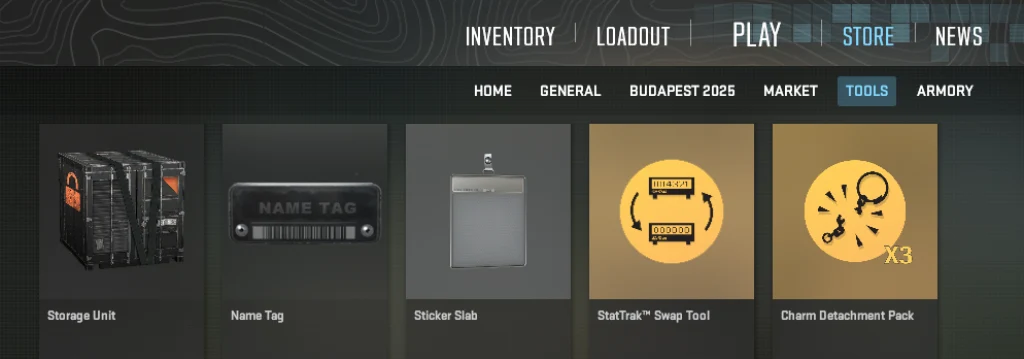
The fastest, easiest, and most reliable way is to purchase a name tag directly through the CS2 store. Valve sells them there year-round, and the CS2 name tag price has been fixed at $1.99 for many years.
2. Steam Community Market Option
For Steam Community Market enthusiasts, there’s an option to purchase a name tag through the Market. This method is also safe and quite fast. However, due to the fact that sellers take into account the Steam commission, this item usually costs more there than in the game itself. At the time of writing, the name tag price CS2 on the Steam market is a whopping $2.6. This is significantly more expensive than purchasing it in-game, so we don’t recommend it.
3. Trusted Third-Party Marketplaces
If you’re looking to buy CS2 name tags at very low prices, you can consider trusted third-party marketplaces. Name tags are sometimes sold on these sites for less than on Steam. However, be aware of the risks of this method. Use only reputable, reliable sites to avoid fraud and account security issues.
How to Apply a Name Tag in CS2
Applying a CS2 name tag to an item is very simple. However, keep in mind that this is a one-time use item. Once confirmed, the tag will disappear from your inventory and will be permanently bound to the selected weapon (until you delete it, in which case the tag will simply disappear).
Therefore, it’s best to double-check everything before confirming. For this, we recommend using our step-by-step guide.
Step 1 — Open Inventory
Open Counter-Strike 2 and go to the Inventory tab. After purchasing, the name tag should appear there automatically.
Step 2 — Select Weapon Skin
Find the item you want to rename. As mentioned earlier, this could be a weapon skin, a default weapon, a knife, or a C4. However, keep in mind that the name tag applies to a specific item, not a specific weapon type. The currently selected item in your inventory is renamed; if you have multiple identical items, only one will be renamed.
Step 3 — Click Rename & Enter Name
Right-click the item and select Rename. In the window that appears, enter the desired name, keeping these rules in mind:
- Up to 20 characters (spaces also count);
- The name cannot begin with a space;
- Names containing insults or prohibited words may be rejected by the system.
Also, keep in mind that some Unicode characters (★, ツ, etc.) may display inconsistently for other players. We will write more about the rules and limits below.
Step 4 — Confirm and Use Name Tag
After entering, check the preview and click Use Name Tag. The game will display a final warning, which is the point of no return. After confirming, the name tag CS2 will be used, and the new name will be assigned to the item.
How to Remove a Name Tag in CS2
If you get tired of the name of an item renamed using a CS2 name tag, you can remove it. This doesn’t matter who applied the tag. If you purchased the item from the marketplace, you can still remove the tag.
However, keep in mind that the system operates on a “one-time consumable” principle. The tag is not removed or transferred, and deleting the name means completely losing the used tag.
If this doesn’t bother you, to remove a name tag from an item, follow these steps:
- Open Inventory and find the item with a custom name.
- Right-click it and select Rename.
- In the renaming window, click Remove Name.
- Confirm the action. The name will be removed instantly.
After this, the CS2 item will revert to its original name (e.g., “AK-47 | Slate”). The engraved nameplate will simply disappear.
CS2 Name Tag Rules and Limits
We’ve already written the most basic rules for using tags. However, beyond the 20-character limit and the inability to start names with a space, there are many more rules regarding characters.
The game only supports the standard character set. This is a deliberate limitation imposed by Valve to ensure names are displayed correctly in the game interface and kill feeds.
Allowed categories:
- Latin letters: A–Z, a–z
- Numbers: 0–9
- Basic characters:! @ # $ % ^ & * – + = { } [ ] / | , . ? : ; ‘ _
Unicode & Special Characters
Technically, CS2 allows the insertion of some Unicode characters. This should only be done via copy-paste, for example:
- ★ stars
- ツ classic Japanese smiley
- ϟ lightning bolts
- ♛ crowns
- ☠ skulls
- ✔ check marks
- ⛧ rare decorative symbols
This is one of the most popular ways to visually distinguish a weapon. Players often create “collectible” or meme-like styles using these CS2 name tag symbols.
However, there are important technical nuances:
- Unicode is not officially supported. Valve does not guarantee that the symbol will work correctly.
- Display depends on the font set loaded in the CS2 client.
- The same symbol may appear normal in the inventory but disappear in a kill feed.
- Some symbols turn into empty space or a square (“□”).
- Some symbols may take up more visual space, although they count as one character towards the limit.
- When copying from a browser, hidden symbols (zero-width space) are sometimes pasted, which disrupt the display.
- Some Unicode characters may work only for you, but won’t show up for other players when inspected.
Profanity and Restricted Names Policy
Valve applies filtering to Name Tags in the same way as other user-created names on Steam. In practice, this means the following:
- Offensive, racist, and toxic language are prohibited.
- Some words are automatically blocked by the system.
- An inappropriate name may be rejected before the tag is applied.
And even if you successfully apply an offensive tag, don’t get too excited. Valve reserves the right to moderate usernames even after the tag has been used. In such cases, the tag is lost without compensation, and in rare cases, the account may even receive sanctions.
Best CS2 Name Tag Ideas
If you want to stand out but lack creativity, we’re ready to help. We’ve prepared several lists of name tag ideas CS2. Choose any of these, or ask ChatGPT. It might come up with some great ideas for you too.
Funny Name Tag Ideas
If you want to add humor and make your teammates smile, try these options:
- Press G to Inspect
- Emotional Damage
- Refund Policy
- Flashbang.exe
- Not My Fault
- Skill Issue
- Deleted
- Lag Machine
Clean & Pro Player Style Tags
Minimalist and “professional” names that look like eSports weapons:
- One Tap
- Clean Headshot
- Signature Rifle
- Main Weapon
- Sharp Aim
- No Mercy
- Final Bullet
- Ace Maker
Meme & Troll Name Tags
Perfect if your goal is to annoy opponents or look as absurd as possible:
- Mom Said Stop
- Free Kill
- I Missed Anyway
- Powered by Luck
- Keyboard Warrior
- Touch Grass
- Report Me
- Bot Certified
Rare Collector Name Ideas
These names are more suitable for expensive skins and collectibles:
- The Last Relic
- Vintage Killer
- Golden Memory
- Midnight Weapon
- Collector’s Piece
- Legacy Edition
- Silent Artifact
- One of One
Does a Name Tag Affect Skin Value?
A name tag in CS2 typically doesn’t have a significant impact on a skin’s market value. Buyers primarily evaluate the item itself, its float, and pattern.
Therefore, in most cases, if the item itself is cheap, the price can be 10-20% higher. This is because the tag is more expensive than the skin, and even after use, it retains some value.
If the item being sold is expensive, more than $15-20, then the price difference between the same item without a tag is close to zero.
However, it’s worth highlighting a separate category: skins previously owned by famous players or esports athletes. Such name tags, associated with the pro CS2 teams, recognizable memes, or “signature weapons,” can significantly increase collector interest. In this case, the item is effectively considered a piece of history, and its value can increase significantly.
Conclusion: Should You Buy a Name Tag in CS2?
Now that you know where to buy and how to use a CS2 name tag, the only thing left to decide is whether you need it. Essentially, this purchase offers no advantage, just like skins.
However, if you enjoy unique items, then the option of turning any ordinary skin into an item with a fun, stylish, or memorable name for a small price might be appealing.
Think about it, consider all our tips and recommendations, and make your choice!
FAQ
You can obtain a tag in CS2 through Trade Offers or by purchasing it. There are several purchase options: through the in-game CS2 store, the Steam Community Market, and third-party marketplaces. Regardless of the method, the item will automatically appear in your inventory.
As of 2026, the official price of a name tag in the CS2 store is $1.99. Sometimes there are sales where the same tag can be purchased for $1.50, but this does not happen often.
CS2 doesn’t have an option to edit an existing tag. You can only change the current name by deleting it and applying a new one. You’ll need another name tag, as deleting the old one will simply delete it.
Yes, StatTrak weapons can be renamed just like regular skins. The kill counter remains, but the word “StatTrak™” temporarily disappears from the weapon’s name while the tag is active.
Yes, you can remove a name from a weapon for free by clicking the Remove Name button in the renaming menu. However, please note that to apply a new name to the same weapon, you will need to purchase another tag, as the old one is simply destroyed and does not return to your inventory.
Yes, tags remain on weapons even after trading or selling them on the market. The new owner will receive the item with a custom name. However, they can delete it themselves if they wish. The label is linked only to the weapon, not to the owner’s account.
As of 2026, colored name tags are unavailable in CS2. The old color bugs and SFUI codes that worked in CS:GO were completely disabled after the transition to Source 2 and the updated interface. All names are now displayed in standard white or gray text.
Read also: