mn
mn  ru
ru 
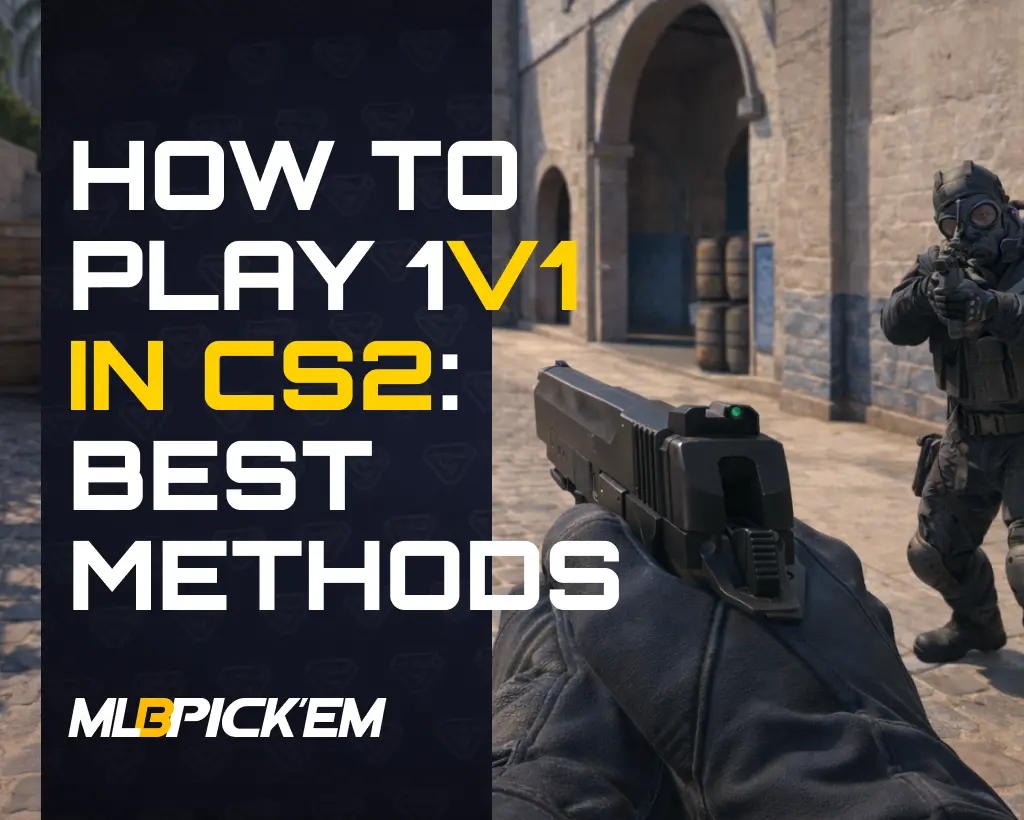
How to Play 1v1 in CS2: Best Methods
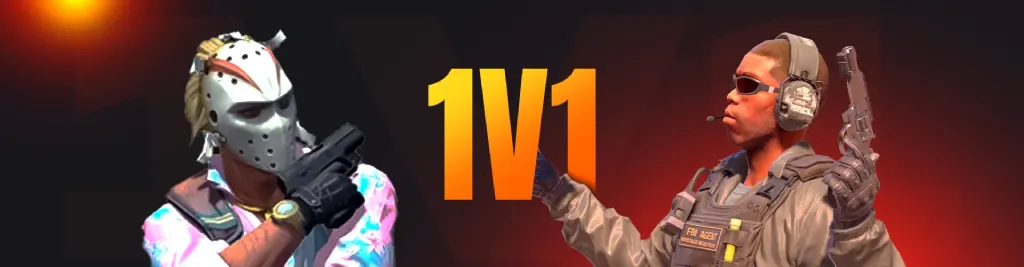
Sooner or later, constantly playing Premier or Competitive can get boring. You’ll want something new – something not found in the stale Counter-Strike 2 game modes. One of the most interesting options is CS2 1v1 duels, where everything depends solely on your skill, reactions, and decision-making, without the influence of teammates or random factors.
In this article for MelBet Pick’em, we’ll explain what 1v1 CS2 duels are, why they’re beneficial, and why you should definitely try them. You’ll also learn how to 1v1 in CS2, what settings are available, and which maps are best suited for this game format.
Why Play 1v1 in CS2?
First of all, it’s worth talking about why 1v1 duels are needed in CS2. They aren’t created solely for variety. Rather, variety is the last thing to think about when discussing CS2 1vs1 mode.
We all know that Counter-Strike is a team game, but this often hides individual mistakes and prevents the player from focusing on personal development. 1v1 CS2 allows players to practice mechanics, thinking, and confidence in their actions. Based on this, we’ve identified several advantages of this game format over all other CS2 game modes:
- Clean shooting: Constant duels help stabilize aim and eliminate unnecessary movements.
- Understanding timing: Playing CS 1v1 quickly develops a sense of when to go for the kill and when to hold off.
- Quick feedback: Mistakes are immediately visible, without excuses or team influence.
- Practical benefit: everything that is practiced in 1v1 directly helps in clutches and decisive moments.
Enable Developer Console in CS2
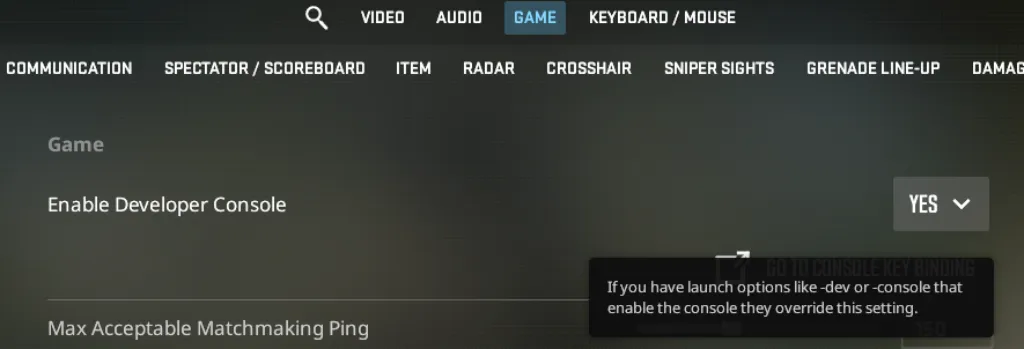
For most ways to play duels, you’ll need the console. We’ll list all the necessary CS2 1v1 commands, but to use them, you need to enable the Developer Console:
- Launch Counter-Strike 2 and open Settings.
- Go to the Game tab.
- Find the Enable Developer Console (~) option.
- Set it to Yes.
- Close the settings and press the ~ (tilde) key to open the console.
After this, the console will be available at any time. You can enter 1v1 CS2 commands both in the main menu and during a match.
All Ways to Play 1v1 in CS2
Despite 1v1 duels being quite popular, developers are still hesitant to officially add them. There’s no dedicated 1vs1 mode, and there isn’t one planned for 2026.
However, this doesn’t mean you can’t play duels. There are four different ways to do so, each with its own characteristics, advantages, and disadvantages.
1. Private Matchmaking (Official CS2 Way)
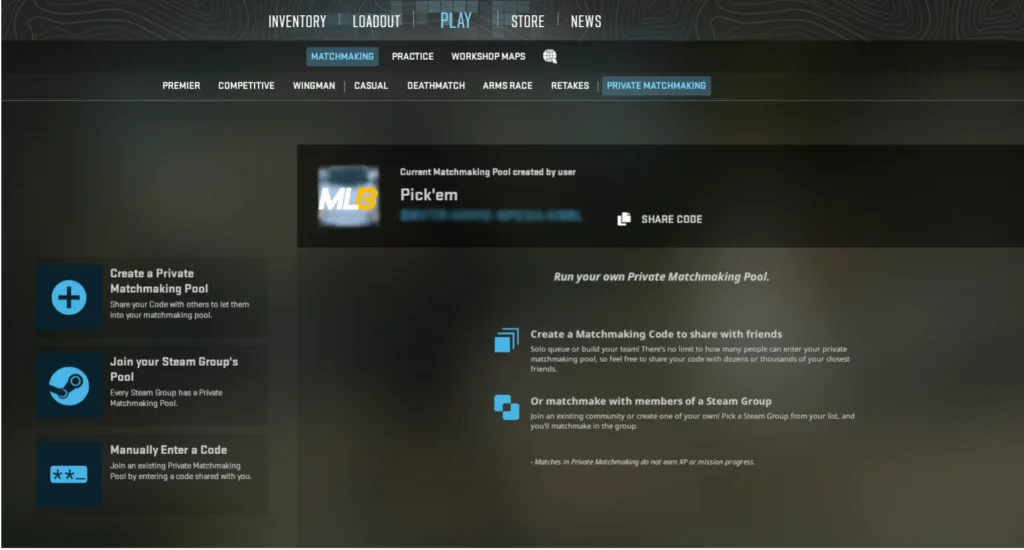
This is the simplest and most accessible way to play 1v1. A private match is created directly through the CS2 menu and is suitable for quick duels with a friend. Here’s the step-by-step process:
- Launch CS2 and open the Play menu.
- Go to the Private Matchmaking section.
- Create a private lobby and invite a friend using a code.
- Start a match on the selected map.
- After loading, open the console and enter bot_kick to remove bots.
2. Private Server Using Console Commands
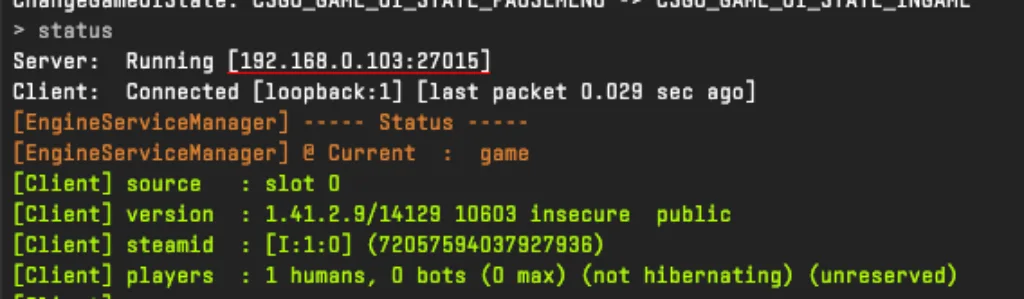
A more flexible option is to create a private CS2 1v1 server via the console. This method allows you to select any map, quickly change settings, and fine-tune the format:
- Open the console and load the map with the command map [map_name]. You can find the names of CS2 maps in the second part of this article.
- Kick bots with the command bot_kick.
- Enter status to find the server IP.
- Send the IP to a friend so they can connect using connect IP_address.
This option requires knowledge of several 1v1 CS2 commands, which is a minor drawback. Creating such CS2 1v1 servers is ideal for regular practice and clutch training.
3. Workshop Maps for 1v1 in CS2
If the main goal is shooting practice and high intensity, maps from Steam Workshop are considered the best choice. Most CS2 1v1 workshop maps are designed from the ground up for duels. They are compact, symmetrical, and uncluttered with unnecessary elements. To start a 1v1 on a Workshop map:
- Open Steam Workshop and find a map tagged 1v1.
- Subscribe to the map – it will automatically load into the game.
- In CS2, go to Play → Workshop Maps.
- Launch the map and open a public lobby.
- Kick bots using the bot_kick console command and wait for a friend to connect.
These CS2 1v1 maps allow you to quickly get into the rhythm of the game without wasting time searching for an opponent. You can play multiple rounds in a row on them.
4. Community 1v1 Servers
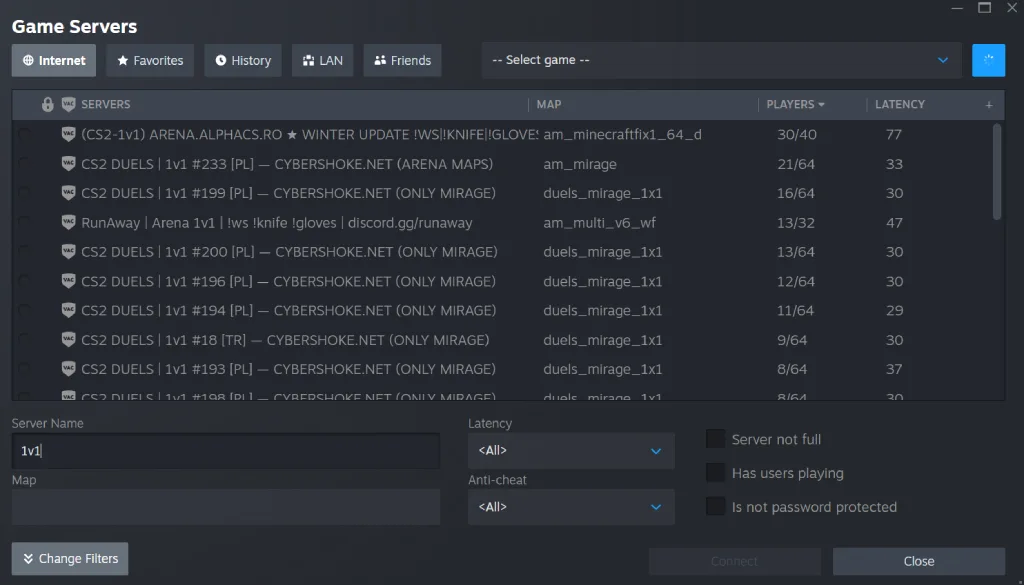
The most common way to play duels is on public CS2 1v1 servers. This method is advantageous because most servers are already prepared for this duel format. They automatically start rounds, offer an opponent rotation system, and other features that allow you to practice without the distractions of console commands. To find and join a 1v1 CS2 community server, you need to:
- Press Play and open the server browser (globe icon).
- Use the filter and enter 1v1 or duel.
- Choose a server with good ping and a small online presence.
- Connect and wait for the duel to start.
Best CS2 1v1 Maps
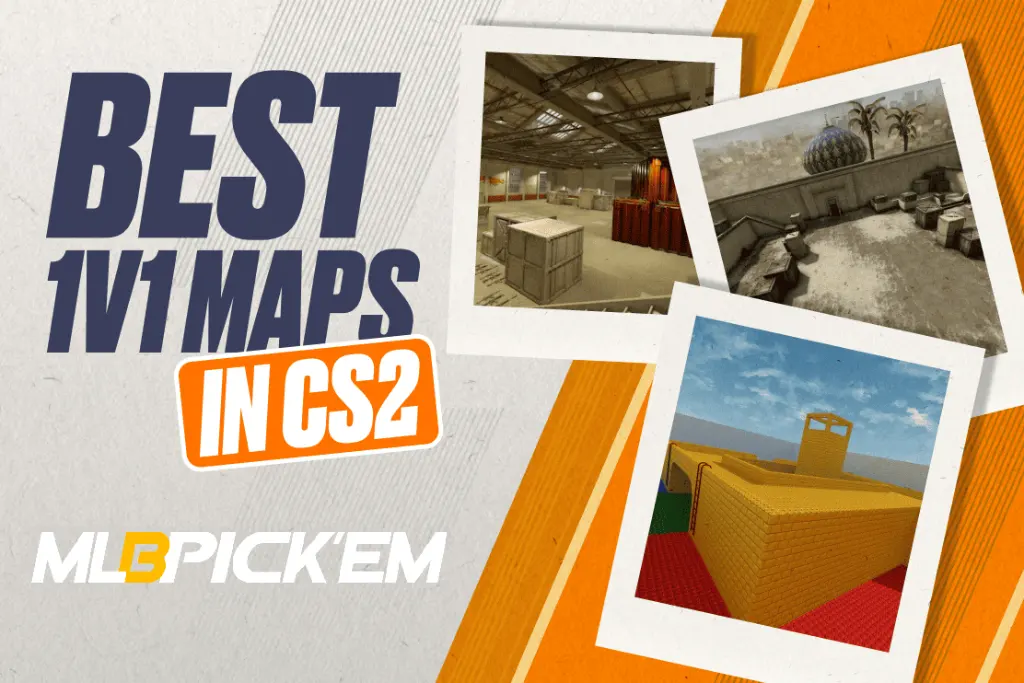
Map selection is very important in 1vs1 mode. Some maps are ideal for practicing aim and reaction, while others are more focused on reading timing and positional play. Choosing a 1vs1 CS2 map wisely is crucial, and to make it easier, we’ve divided all existing maps into two categories.
Official CS2 1v1 Maps
Official CS2 maps were originally created for team play, but that doesn’t mean they’re unsuitable for duels. Their main advantage is their realistic conditions, as close as possible to Premier and Competitive.
When it comes to dedicated CS2 1v1 servers, when using official maps, they are usually divided into sections. This will be familiar to those who played Wigman, which features Inferno (A-section), Overpass (A/B-wing versions), and Vertigo (A-line). The advantage of this division is the high gameplay intensity. Rounds are almost half as short.
On private servers, you won’t be able to split maps into sections, unless you informally agree with your opponent. You will have access to absolutely all official maps; we’ve compiled the map names for console input in this table:
| Map Name | Console Code |
|---|---|
| Ancient | de_ancient |
| Dust II | de_dust2 |
| Inferno | de_inferno |
| Mirage | de_mirage |
| Nuke | de_nuke |
| Overpass | de_overpass |
| Train | de_train |
| Anubis | de_anubis |
| Vertigo | de_vertigo |
| Office | cs_office |
| Italy | cs_italy |
| Agency | cs_agency |
| Golden | ar_golden |
| Palacio | ar_palacio |
| Rooftop | dz_blacksite |
| Baggage | dz_sirocco |
| Shoots | ar_shoots |
| Pool Day | ar_pool_day |
Best Workshop 1v1 Maps
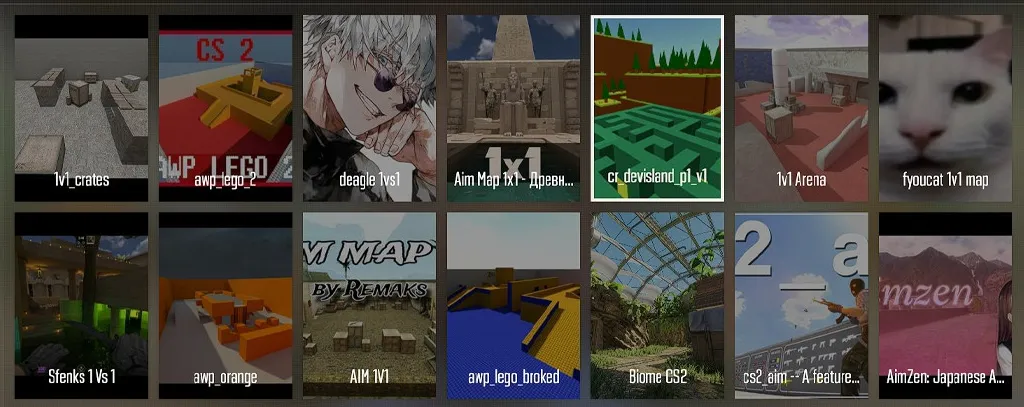
If you want to maximize your shooting practice, play quick rounds, and focus on duels, then the best 1v1 CS2 maps should be found in the Workshop maps list.
These maps do not attempt to imitate competitive locations. They are designed exclusively for skirmishes and individual practice. You won’t be stuck focusing on timing, rotations, or idle movements across huge maps. The key features of high-quality CS2 1v1 Workshop maps include:
- Symmetrical structure, eliminating random advantage for both sides.
- Minimal distance to first contact.
- No random timings or complex routes.
- Focus on the first shot and aim control.
The most popular and proven Workshop CS2 1v1 maps:
- Aim_Redline: one of the most stable maps for duels. Ideal for practicing crosshair placement and mid-range shooting.
- 1v1 Metro: A compact, fast-paced map where contact occurs almost immediately after the round starts.
- Aim_Nevermore: A good option for practicing reaction time and first shots.
- Aim_Map: A classic aim map CS2 1v1 without unnecessary elements. Suitable for basic shooting and warm-ups.
- Aim_AWP: Used for practicing AWP duels and aiming at long ranges.
- 1v1_Arena: An arena format with fast rounds and frequent opponent changes.
- Aim_Headshot: Great for practicing headshots and precise first shot control.
This is just a small part of the best 1v1 maps CS2. In fact, there are hundreds of such Workshop maps, and they are all good in their own way. If you want to play dozens of duels in a short time without worrying about the economy, rotations, or finding an opponent, choose one of these. You certainly won’t regret your decision and will be satisfied with the high-quality training.
Essential CS2 1v1 Console Commands
We’ve already covered how to start a 1vs1 duel using different methods, as well as which maps to choose. But there’s another important aspect of duels that many forget. Yes, we’re talking about CS2 1v1 commands. With them, duels turn into highly effective training. These commands are essential for any private 1v1 match, and not using them is like practicing ineffectively.
Basic CS2 1v1 Commands
There are certain commands for 1vs1 CS2 that are indispensable. We’ve compiled them into one list; we recommend saving it somewhere in your notes, or better yet, memorizing these CS2 1v1 commands:
- bot_kick – completely removes all bots from the server.
- mp_roundtime 5 – increases the round time so the duel doesn’t end due to the timer.
- mp_startmoney 16000 – gives the maximum starting amount of money.
- mp_freezetime 2 – reduces the freeze time at the beginning of a round.
- mp_restartgame 1 – restarts the match and applies all changes immediately.
Advanced 1v1 CS2 Commands and Settings
If the 1v1 CS2 commands listed above aren’t enough for you, there are a couple more commands for more comfortable training:
- sv_infinite_ammo 2 – infinite ammo with reload.
- mp_buy_anywhere 1 – allows you to buy weapons anywhere on the map.
- mp_autoteambalance 0 – disables automatic team balancing.
- mp_warmup_end – immediately ends the warm-up phase.
- give weapon_ak47 / give weapon_awp – gives a specific weapon.
How to Create a CS2 1v1 Config File (autoexec.cfg)
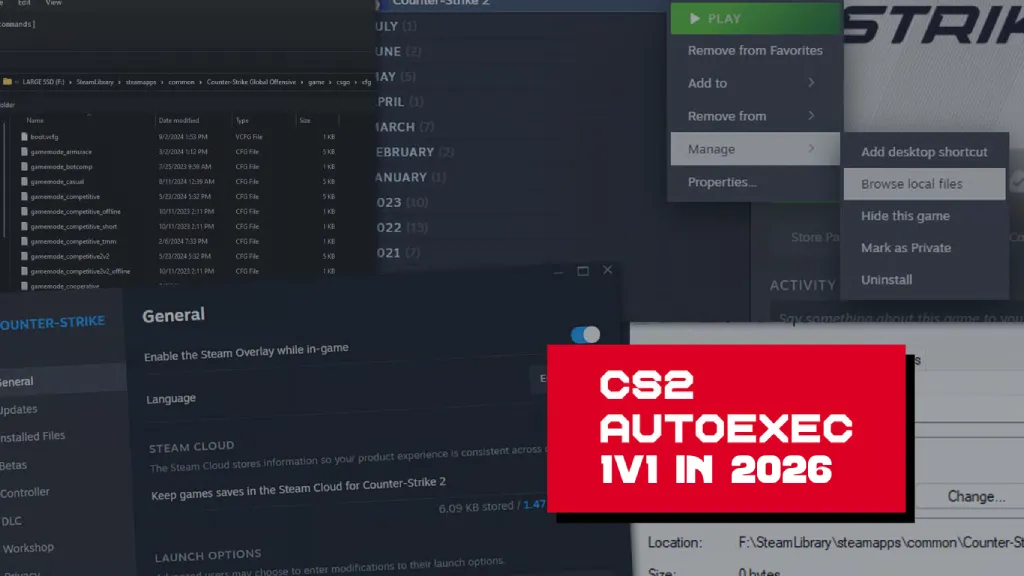
If you play duels often, you’ve probably gotten tired of entering the console commands for CS2 1v1 every time. To avoid having to do this every time, we recommend saving all settings to a configuration file. This 1v1 CS2 config allows you to launch a fully configured match in a few seconds. To do this, you need to create an autoexec.cfg file using this guide:
- Open the CS2 folder: game\csgo\cfg.
- Create the autoexec.cfg file.
- Paste all the necessary 1v1 commands you use when launching duels.
- Save the file and launch the game.
- In the console, enter exec autoexec.cfg.
After this, all CS2 1v1 console commands will be applied automatically every time you launch.
Common Mistakes in CS2 1v1 Matches
As we mentioned at the beginning of the article, the 1v1 format in CS is designed to expose your own mistakes, which go unnoticed in team modes.
After all, there are no second chances in duels. Similarly, teammates who can “save” the situation are also absent. As a result, even the most minor CS2 1v1 mistakes become visible. TThe main thing is to want to see them, and here’s what to look for:
- Too wide peaks: by going too far, you expose a large part of your model and become an easy target for your opponent.
- Poor crosshair placement: Ideally, keeping your crosshair at head level is ideal. If it’s below or above head level, the duel will most likely be lost, unless, of course, your opponent makes a similar mistake.
- Non-stopping shooting: If you don’t stop before firing, bullets will fly anywhere, even at close range.
- Predictable outputs: Repeating the same picks makes your actions easier to read. You become predictable, which never leads to good results in CS2 1vs1 or any other mode.
- Ignoring sounds: Footsteps and timing in duels provide just as much information as visual contact.
Final Thoughts: Mastering 1v1 in CS2
We hope you now know everything about the 1vs1 format in CS2. Think of it not just as a way to add variety to the game, but as one of the most effective tools for improving your personal skill. After spending a few hours playing duels, you’re guaranteed to gain a better feel for your shooting, be more confident in firefights, and act more calmly in crucial moments.
Also, don’t forget about the variety of CS2 1v1 duels. Try different maps, change settings, and play on both Workshop maps and official locations. We’re confident that proper 1v1 training will improve your performance in all CS2 modes!
FAQ
Yes, but with some caveats. A private match or a community 1v1 server allows you to start a duel without using the console. However, in the former case, you’ll need to at least remove the bots, which is absolutely impossible without a console.
It’s best to use a private match or a local server. These two ways to play CS2 1v1 ensure a direct connection without random players and a stable ping.
No, there is no separate 1v1 mode in CS2. All duels are started through private matches, local servers, or community servers. There are four options, and we’re sure one of them will suit you and allow you to play CS 1v1.
If you want to play duels in private matches or by launching a local server, you’ll notice that bots are automatically added to the game. They can only be removed through the console with the bot_kick command. On community 1v1 servers, bots are usually disabled by default.
In our opinion, the best CS2 1v1 maps should be found among Workshop maps, which are created specifically for duels. They are compact, symmetrical, and provide fast-paced combat.
Read also: