mn
mn  ru
ru 
Trust Factor CS2 Guide
Have you ever noticed strange changes in CS2 matchmaking? One period, you encounter only cheaters or toxic players. On another, the matches become quite enjoyable, and you might even find some friends among your teammates. Did you know that this isn’t a coincidence, but rather the work of the CS2 Trust Factor?
In our MelBet Pick’em guide, we’ll explore what the Trust Factor CS2 is and how it actually affects you. We’ll tell you absolutely everything that’s known about this reputation system in 2026. From official comments and recommendations from Valve to the real-life experiences of tens of thousands of CS2 players!
What is Trust Factor in CS2?
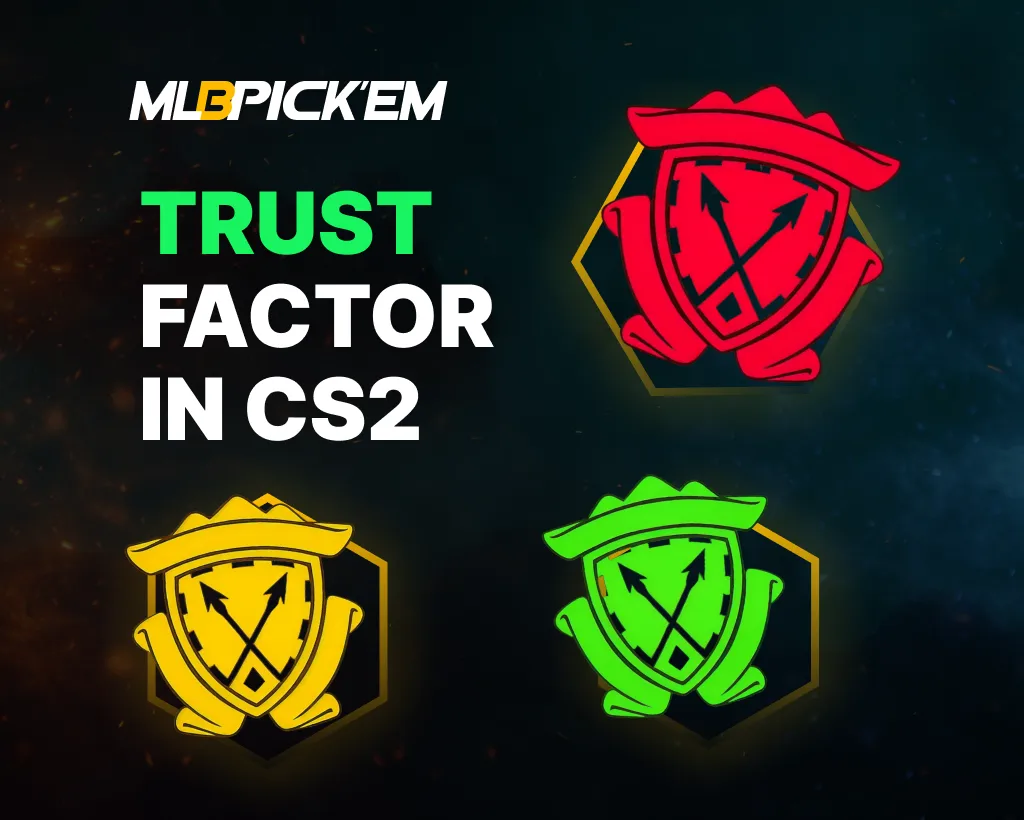
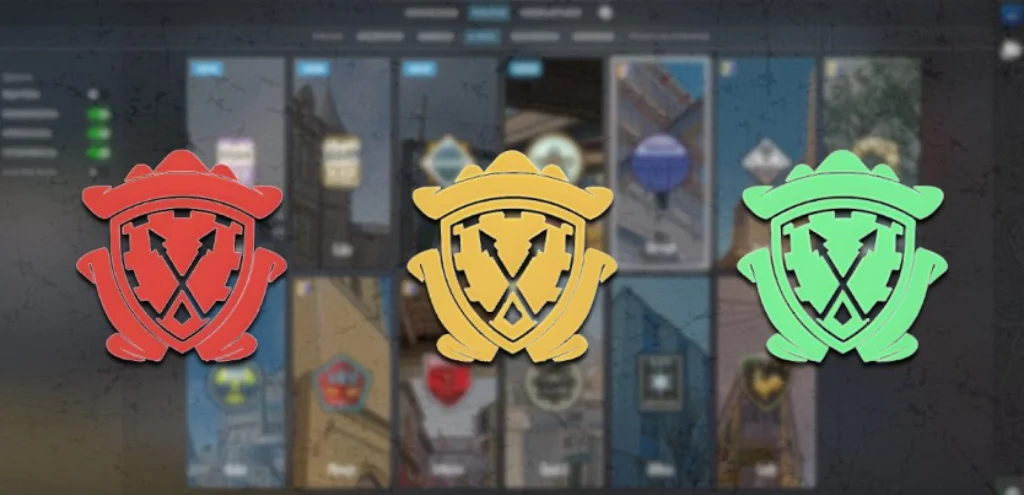
The CS2 Trust Factor is a hidden reputation metric developed by Valve. It’s used by the Counter-Strike 2 matchmaking system to improve the quality of player selection. This trust factor, along with the CS2 Ranking System, determines who you’ll be matched with. And, despite the fact that, unlike ranks, practically nothing is known about the trust factor system, it plays a very important role, which you will learn about below.
Why Trust Factor Matters in CS2 Matchmaking
Imagine two players with the same rank and similar skill levels. It seems like it would be good if they played against each other in matches; it would be fair. In theory, that makes sense – but in practice, rank alone does not decide who ends up in the same match. In Counter-Strike 2, this role is largely handled by the Trust Factor system.
One player can play for more than 5 years, communicate well with teammates, and never get banned during this entire time. Another player, on the other hand, started playing very recently, constantly receives complaints from their teammates, and is often kicked from the game.
It’s unlikely the first player would want to play with the second, right? So, that’s why the CS2 Trust Factor system was created. It:
- Affects the likelihood of getting into matches with cheaters and griefers.
- Determines the overall level of toxicity in the team and chat.
- Affects the number of AFKs or leavers in matches.
- Can increase or decrease matchmaking time.
Therefore, although Trust Factor CS2 is considered quite obscure, it is incredibly important. It’s like a secret security service, operating behind the scenes but incredibly important.
How Trust Factor Works in CS2
The Trust Factor system in Counter-Strike 2 remains hidden even in 2026. Valve is unwilling to provide the exact calculation formula to prevent players from trying to optimize their behavior for the algorithm.
However, from Valve’s official statements and years of community observation, it’s possible to understand quite clearly how the trust factor works in CS2 in practice. We’ll examine the factors provided by Valve and those discussed by players on the forums. As usual, the truth is somewhere in the middle.
Official Factors Valve Has Confirmed
It’s always best to consider official sources of information first. Valve has provided the following factors in reference materials and team responses over the past few years:
- Prime Status and phone number linking: Accounts with CS2 Prime and a verified phone number are considered more reliable.
- Player behavior in CS2 matches: Completion of matches, no griefing, correct communication, and minimal complaints (or better yet, no complaints at all) from other players.
- Steam Account History: Account age, presence or absence of VAC, Game, and Community bans, and overall activity on Steam.
- Overall Reputation in the Steam Ecosystem: Trust Factor is formed not only based on CS2 but also takes into account the user’s behavior in other Steam games and services.
Community-Observed Factors
Factors observed by players are statistically confirmed across large match samples. While they cannot be considered 100% reliable, they demonstrate consistent correlations. The most frequently noted CS2 Trust Factor factors among regular players include:
- Number and frequency of complaints from other players: Even without a ban, accounts with a large number of reports are more likely to be placed in low-quality lobbies.
- Playing with cheaters or low Trust Factor: Playing in a party with low-trust accounts worsens overall matchmaking for the entire group.
- New or “empty” accounts: Accounts with minimal history, low activity, and a limited game library are more likely to be matched with cheaters and toxic players.
- Sudden changes in behavior: A sudden increase in complaints, suspicious game activity, or erratic behavior can temporarily lower the Trust Factor CS2 even for older accounts.
Valve has never officially confirmed or denied these points. However, consistent observations from tens of thousands of players clearly confirm that CS2’s Trust Factor takes into account behavioral patterns, not individual actions.
How to Check Trust Factor in CS2
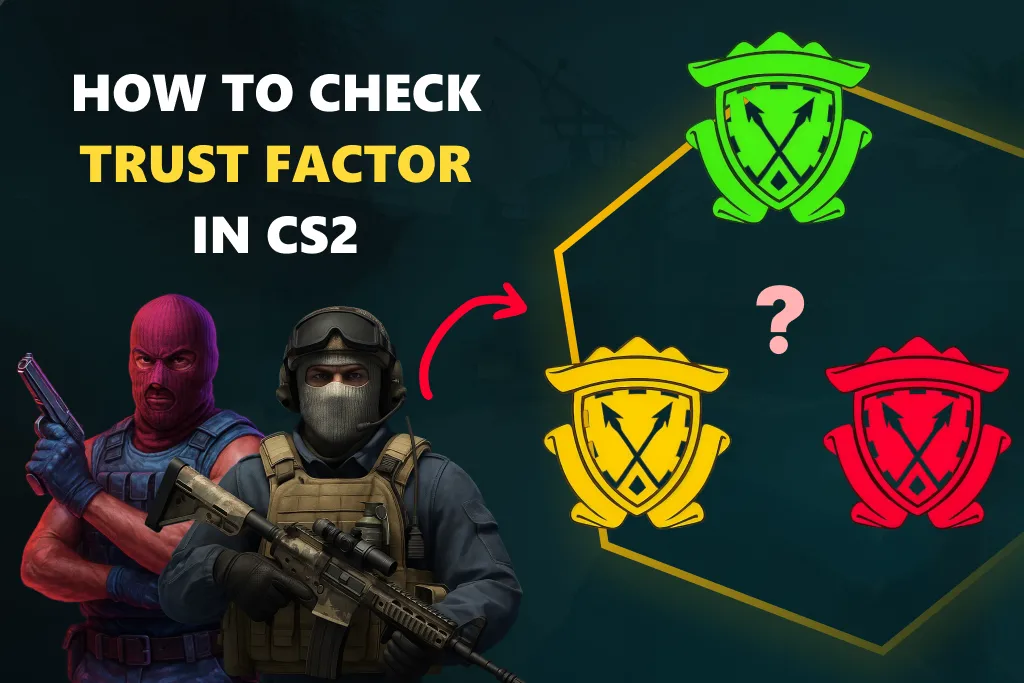
Unfortunately, it’s impossible to check Trust Factor CS2. Valve doesn’t provide players with any numerical value or visual indicator of the Trust Factor. Since the introduction of this system, Valve has officially stated that a CS2 Trust Factor check doesn’t exist and is unlikely to ever be implemented.
According to Valve, displaying Trust Factor would lead to attempts to manipulate the system. Players would begin to adapt their behavior to the algorithm, which would clearly harm honest players. Therefore, any website or service promising to check Trust Factor in CS2 lacks access to real matchmaking data and cannot provide reliable information.
However, it is still possible to indirectly assess the CS2 Trust Factor. This is done through system notifications, which Valve deems acceptable for display to players.
Party Warning Messages Explained
Those who frequently play in parties have likely encountered notifications from CS2 Trust Factor. These are warnings during party play, available to players with Prime Status. It’s from these notifications that most players learn about the existence of some algorithm and start googling what it is.
For example, before the start of a competitive match, CS2 may display one of two messages:
- Your matchmaking experience may be slightly impacted because the Trust Factor of (player) is lower than yours.
- Your matchmaking experience will be significantly affected because the Trust Factor of (player) is substantially lower than yours.
In simple terms, these notifications warn that there is a player in the party with a lower Trust Factor, and that their Trust Factor will be used for matchmaking for the entire party.
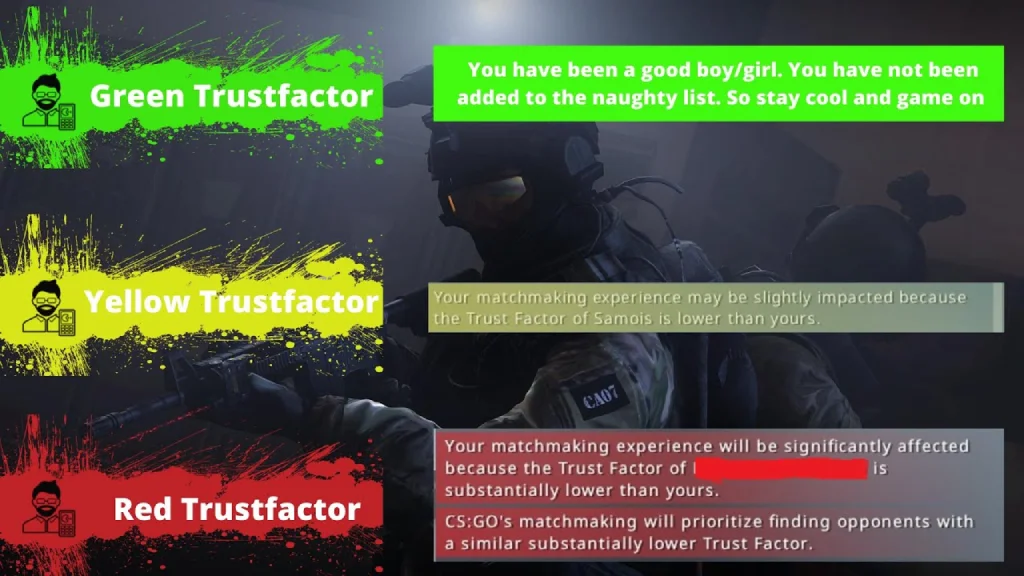
However, this notification generally means little:
- The message does not display the numeric Trust Factor.
- The warning is always relative. It compares players within the group.
- The CS2 Low Trust Factor message may appear even if the Trust Factor differs only slightly.
- The absence of a warning does not indicate a high Trust Factor. However, its presence is a direct signal from the Valve system.
Match Quality Signals That Indicate Low Trust Factor
This notification is only relevant for those playing in a party. And in general, it doesn’t give much. You need to look at indirect factors, namely, what’s happening in the match. There are certain signs that, of course, don’t provide an exact value, but they do allow you to recognize a low CS2 Trust Factor in practice:
- Regular matches with obvious cheaters or rage-cheats.
- High concentration of toxic players and griefing.
- Frequent AFKs, leavers, and unfinished matches.
- Unstable team matchmaking with severe imbalance.
- Noticeably increased matchmaking time.
Fake Trust Factor Check Websites: Why They Don’t Work
We’ve already noted that it’s impossible to check your trust factor. Yes, there are a ton of websites online, all of which promise accurate data. However, not a single CS2 Trust Factor checker has access to Valve data. And without it, of course, no one can verify your trust factor.
All these websites for checking CS2 trust factors use is:
- Public Steam profile data
- Number of games or hours played
- Account age
- Subjective “risk assessments”
Yes, these are important parameters. They indirectly correlate with Trust Factor, but they don’t reflect the actual value used by CS2 matchmaking. Valve doesn’t officially share Trust Factor with external services, so any “CS2 Trust Factor check” is an assumption.
How to Improve Trust Factor CS2
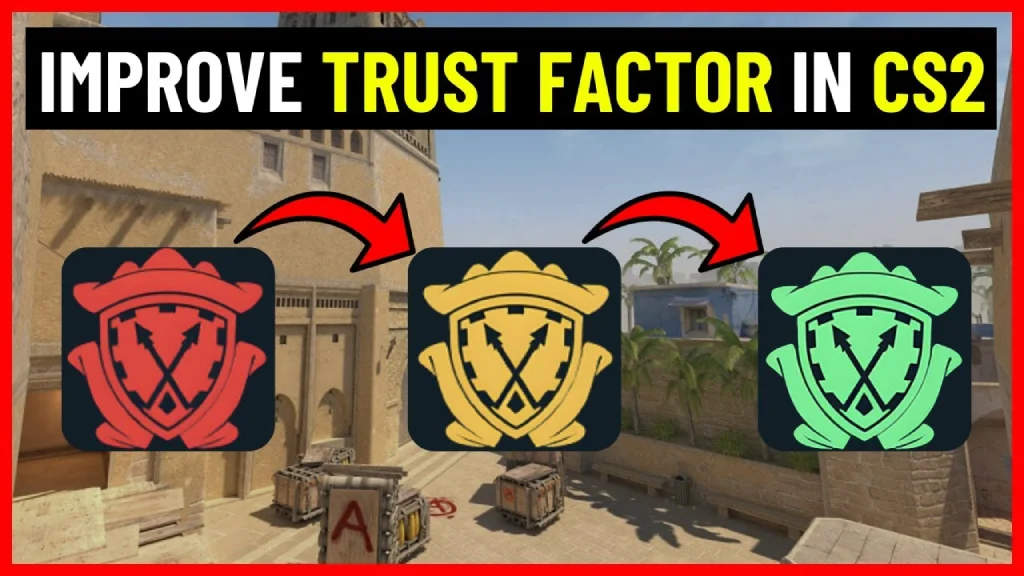
Increasing your Trust Factor in CS2 is possible, but it’s not a quick fix. Valve explicitly states that Trust Factor doesn’t respond to one-time actions. Any attempts to “cheat” the system or dramatically improve it will either have no effect or will lead to a deterioration in match quality. Therefore, to avoid making your CS2 Trust Factor even worse, follow these tips:
- In-game behavior: Trust Factor CS2 is sensitive to in-game behavior. Always play matches to the end, avoid griefing, and avoid doing things that could lead to reports.
- Steam account signals: Steam account trust is built across the entire ecosystem, not just within CS2. While you won’t influence your profile’s age, a wide library of games and Steam Guard will increase your trust.
- Prime status and phone number: Prime status with a phone number improves matchmaking starting conditions. It reduces the risk of bad lobbies, but only works in conjunction with adequate play.
Final Verdict: How to Stay in High Trust Factor Lobbies
We hope you now know much more about the rather hidden CS2 Trust Factor system. If you want it to match you with good players, try to finish all your matches, minimize reasons for complaints, and maintain a healthy Steam profile.
Also, don’t forget to purchase Prime Status, but keep in mind that if you behave badly, this won’t save you at all. Trust Factor CS2 is a long-term filtering system, and the only way to consistently stay in high-quality lobbies is to avoid giving the system any reason to lower your trust level. So play fair and communicate well with your teammates. We wish you good luck in all your matches!
FAQ
It’s impossible to know your exact Trust Factor in CS2; Valve doesn’t show it to players. Furthermore, any CS2 trust factor checker you find online will only give you a generalized value, as third-party services don’t have access to Valve’s data.
Increasing your Trust Factor quickly is unlikely. You just need to play matches to the end over a long period of time, not engage in griefing and not do things that will get you reported. Over time, this will build a positive profile.
Trust factor doesn’t directly affect your rank in CS2; however, it significantly impacts the quality of matches and the composition of lobbies. A low Trust Factor is more likely to involve cheaters and toxic players, which in turn makes it more difficult to climb the rank.
No, sending valid complaints about other players does not lower your Trust Factor. However, if you send reports to everyone without reason, this may be considered a negative behavioral signal. Valve doesn’t consider the fact of the complaint itself, but rather its regularity and validity.
Yes, new CS2 players can have a high Trust Factor. This requires that the Steam account be as old as possible and have a positive history. Completely new and empty profiles often start with a neutral or low Trust Factor.
Read also: